
About Us
The argument in favor of using filler text goes something like this: If you use real content in the Consulting Process, anytime you reach a review point you’ll end up reviewing and negotiating the content itself and not the design.
The Corner Shelf Where Unsold Stock Quietly Ate Profit
The Corner Shelf Where Unsold Stock Quietly Ate Profit
Dead Stock in a Small Shop: What It Means and How to Clear It
Every small shop has a shelf nobody looks at. The items on it were bought with real money, they still sit in the stock count, and they have not sold in months. Nobody decides to keep them; they simply stay, because clearing them means admitting a buying mistake and nobody has time to think about it. Meanwhile that money is locked, the shelf space is blocked, and the packaging fades a little more each week.
This guide explains what dead stock really is, why a flat discount usually fails, and how my team clears it every week by pairing slow items with fast sellers at a price that still protects the margin. It is one of the six leaks covered in our guide to inventory management for small business.
Dead stock meaning, in plain words
So what’s dead stock, exactly? It is inventory that has stopped selling and is unlikely to sell at its normal price. It is different from slow stock, which still moves now and then. A simple working rule to define dead stock in a small shop:
| Signal | Rule I use | Why |
|---|---|---|
| No sale for a long time | 60 days since the last sale, 90 for seasonal shops | Time since the last sale is the clearest signal |
| Money locked | Quantity × cost price | Shows which items matter most |
| Shop’s own keep list | Items the owner never wants discounted | Protects slow but deliberate stock, such as spare parts |
Items with no cost price in the system are listed separately and never touched until someone fills in the cost, because no safe price can be calculated without it.
Why a flat discount is the wrong first move
A 40% off sticker on a dead item often does not work, because nobody was looking for that item at full price either. Pairing it with something that sells fast puts it in front of people who are already buying. The fast mover carries the margin; the dead item carries the discount.
A fast mover, in this setup, is an item in the top 20% of its category by quantity sold in the last 30 days, with at least 20 pieces in stock, so the bundle never empties the shelf of the item customers actually came for.
How the bundle price is worked out
The workflow tries three discounts on the dead item, in order: 40%, then 30%, then 20%, never more than the maximum bundle discount the owner has set. It uses the first one that keeps the whole bundle’s margin at or above a floor, 10% by default.
- Bundle price = dead item price × (1 − discount) + partner price, rounded to the nearest ₹5
- Bundle margin = (bundle price − cost of both items) ÷ bundle price
Example, with illustrative numbers: a dead item sells at ₹400 and costs ₹300. Its partner sells at ₹250 and costs ₹200, so the two cost ₹500 together. At 40% off, the bundle would be ₹490, below cost, so it is rejected. At 30% off it is ₹530, with a margin of about 6%, still below the floor. At 20% off it is ₹570, with a margin of about 12%, so that is the bundle proposed.
The weekly bundle workflow
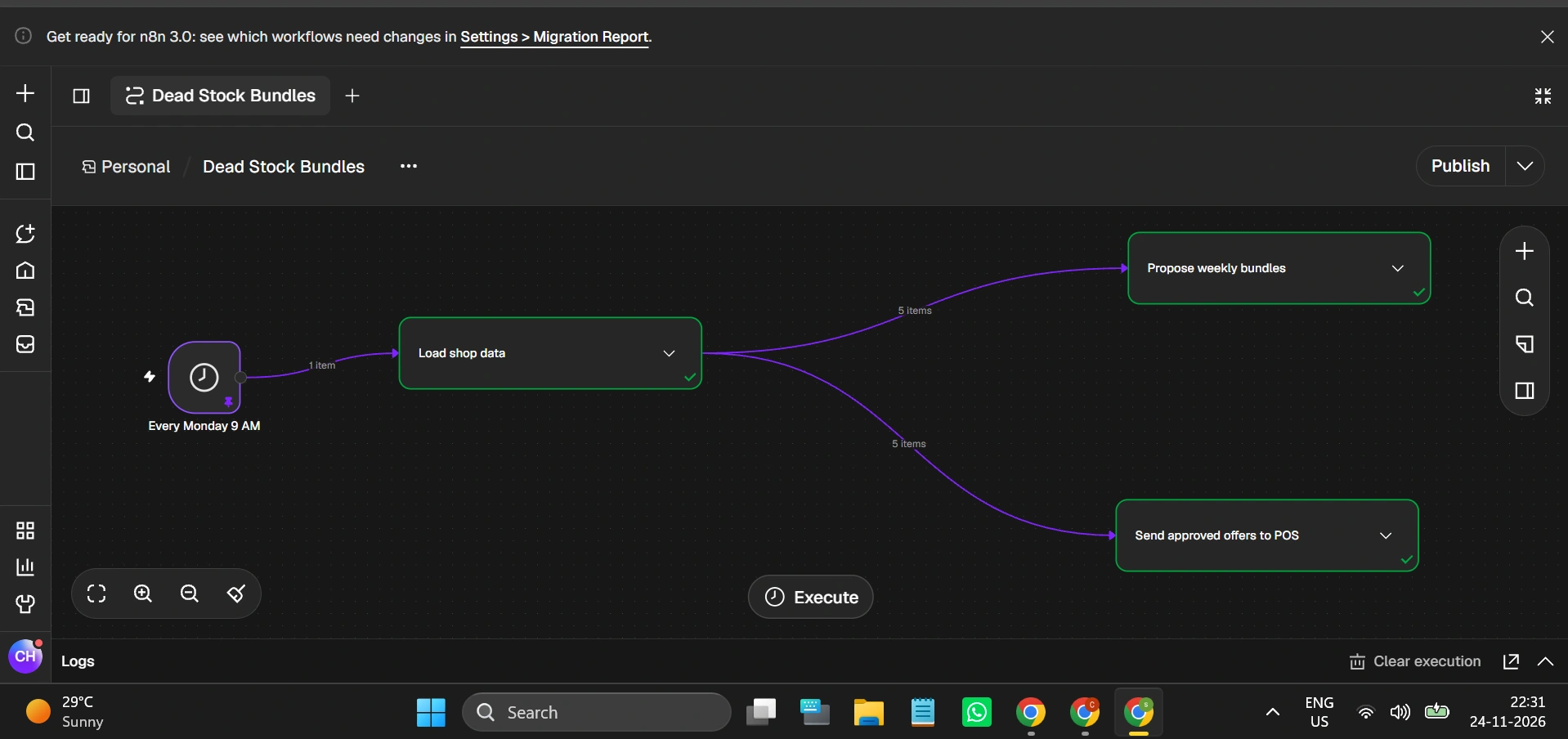
This is the working workflow. It runs every Monday at 9 am, and every stage is visible below.
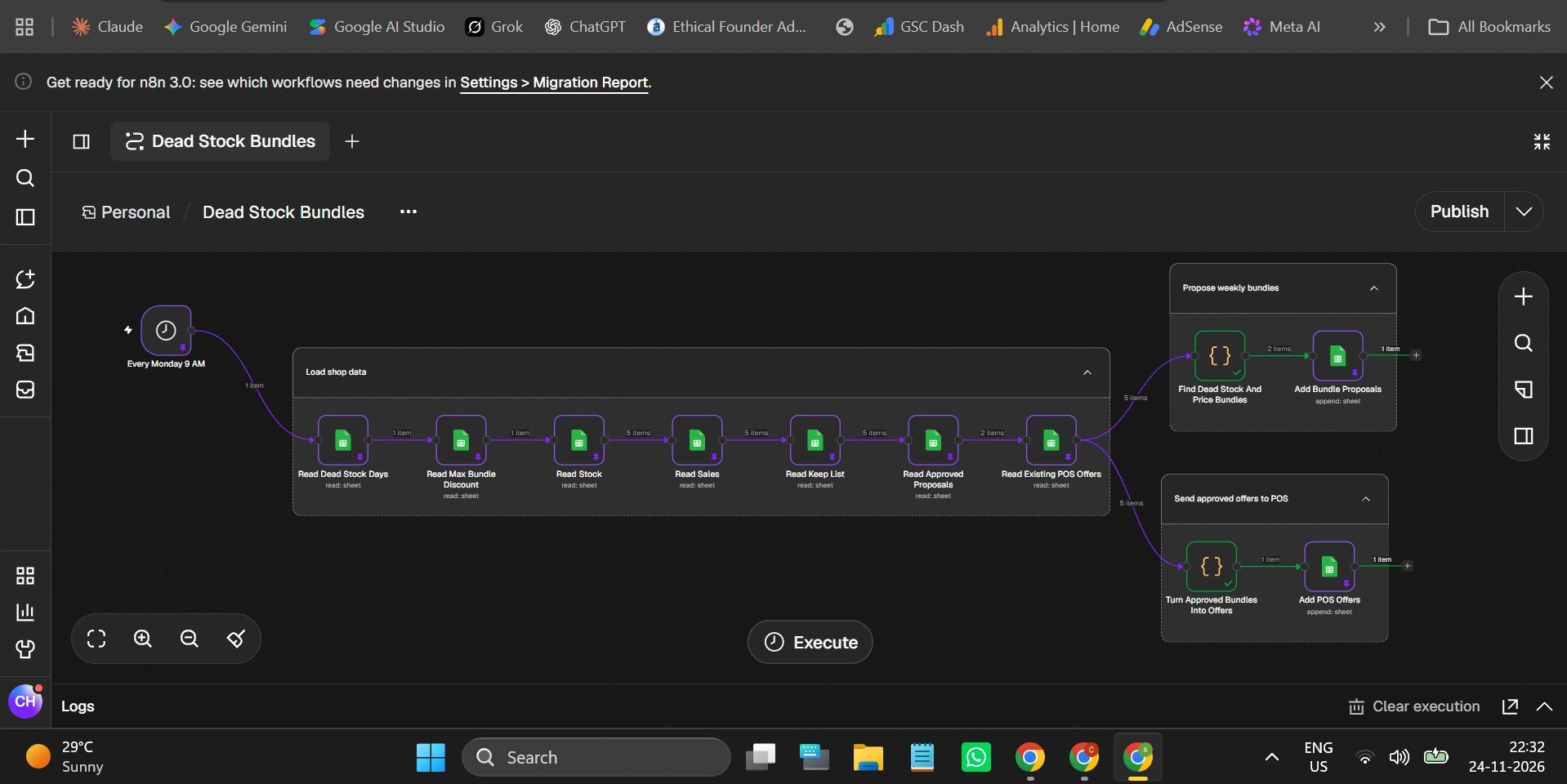
Load shop data. The workflow reads seven tabs of the shop’s Google Sheet: the dead stock days setting, the maximum bundle discount, current stock, sales, the keep list, bundles the owner has already approved, and offers already running at the billing counter. Most billing software can export stock and sales as a spreadsheet, so nobody types stock by hand.
Propose weekly bundles. A code step finds every item past the dead stock limit, skips anything on the keep list or already in a running offer, picks the best fast-moving partner in the same category and prices the bundle with the rules above. The proposals are added to the Bundle Proposals tab, starting with the items that lock the most money.
Send approved offers to billing. The owner marks the proposals they agree with as approved. On the next run, approved bundles are turned into offers and added to the POS Offers tab, which the billing counter reads, so the cashier never has to remember a price.
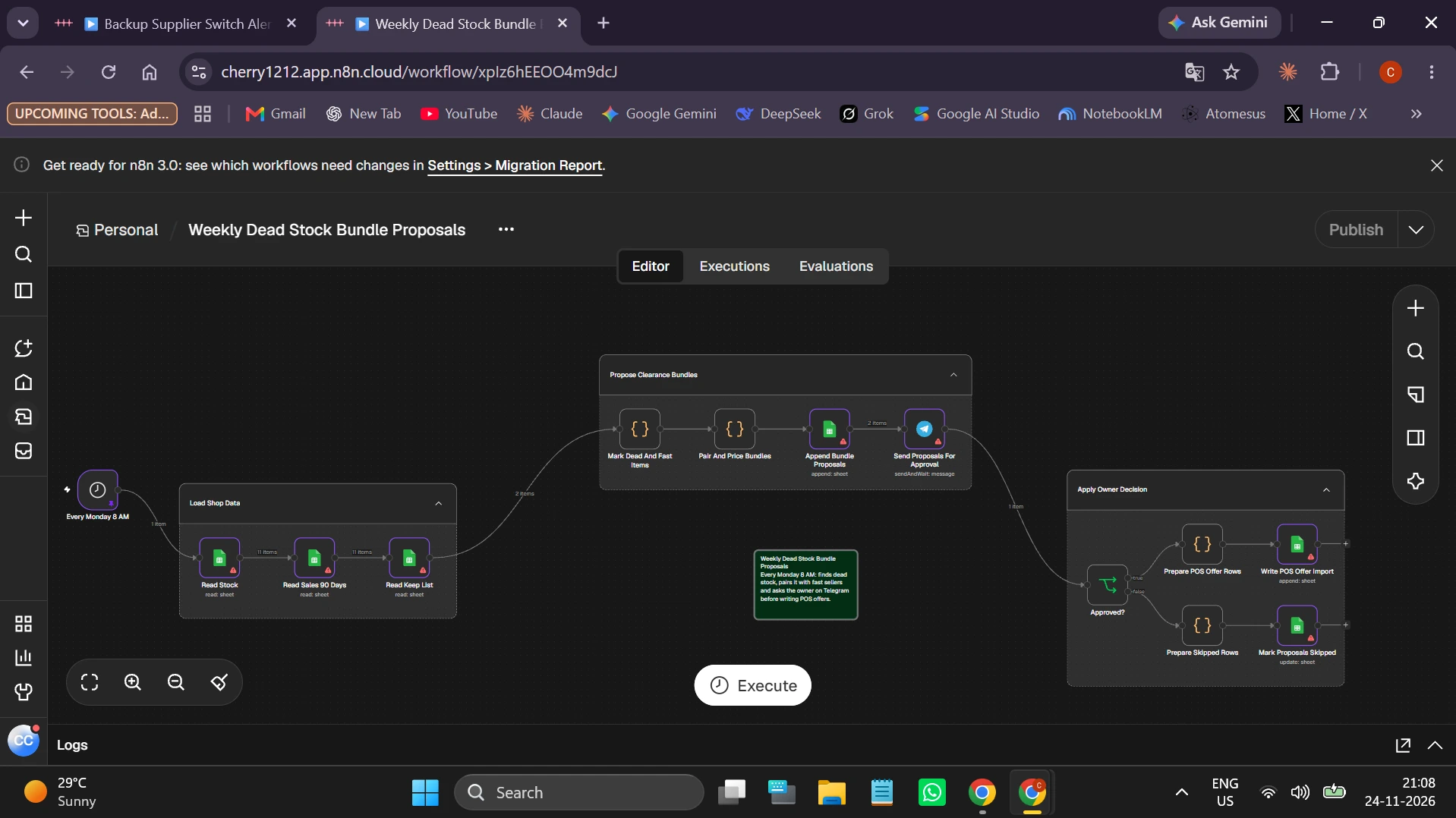
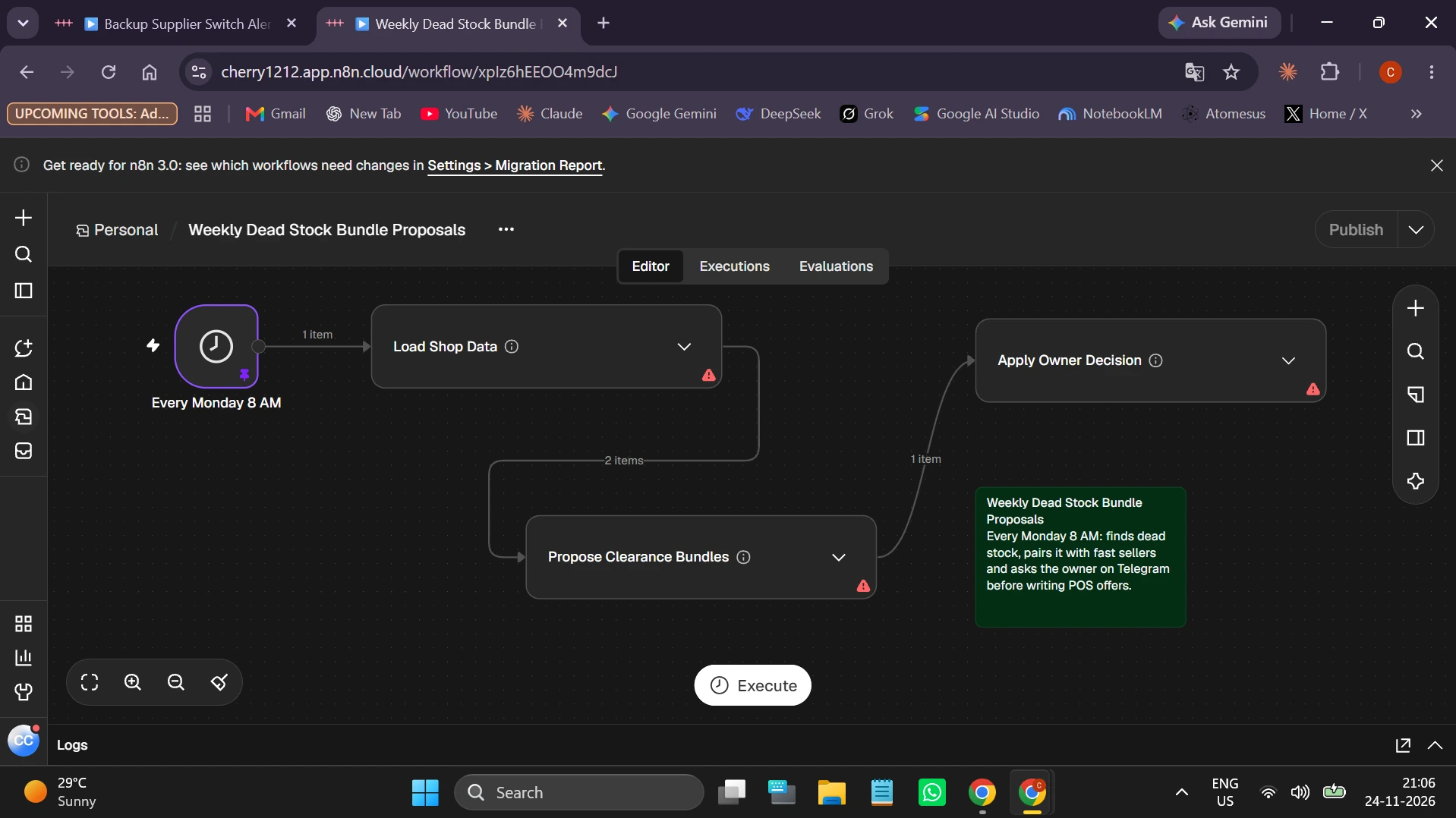
No AI is used to set a price in this workflow. Every number comes from the rules and the shop’s own data, which is why the owner can trust the proposals at a glance.
Checking which bundles actually worked
A short check runs before the Monday proposals. It reads last week’s approved bundles against the latest sales:
- If a bundle sold at least 10% of the dead item’s starting quantity, it stays.
- If it sold less, the next-best partner is tried, or the discount steps down one level.
- Every rupee recovered is added to a running total.
That running total is the number owners care about most, because it shows exactly how much money that was locked in dead stock has come back.
Doing it without a workflow
Shops without automation can use the same logic in Google Sheets alone. Three formulas do most of the work: days dead is today minus the last sale date, money locked is quantity times cost, and the bundle price is checked against the margin floor before anyone prints a label.
Mistakes that break clearance
- Sales dates stored as text, which makes every item look 999 days dead. Convert dates before calculating.
- Items with no cost price, which make margin checks meaningless. Fill the cost first.
- Pairing across unrelated categories, such as a phone cover with cooking oil. Customers ignore bundles that make no sense.
- Discounting seasonal stock out of season, when it would sell at full price in a few months. Use the 90-day rule for seasonal shops.
Where the cleared cash should go next
Dead stock usually comes from buying without sales data, so the fix does not end with clearing it. If one branch has dead stock that another branch sells well, an inventory transfer between branches beats any discount. Perishables follow a different, faster path through markdown pricing for near-expiry stock. And items that sit in the lowest shelf group of a margin-based planogram are the early warning list for next quarter’s slow sellers.
When my team sets this up, the first proposals are prepared from the shop’s real exports before anything goes live, and the owner sets the dead days, the maximum discount and the keep list. Eligible beginners can get a free sheet-based version through Starter Support.

I am Radhakrishna, Founder and lead author at UpcomingTools.com, where I write Business Guides and Automation Guides for low investment automation in India. With 3 to 5 years offline experience serving small businesses only through trust and referrals, I now build software only workflows for lead follow up, bookings, quotes, stock, invoices and reporting and fix failed runs, expired tokens and unsafe AI and RAG answers. Every guide and workflow is written and decided by me, personally checked and live tested before publishing. I build in your own accounts on live, so your keys stay yours, show a rough demo before build and give 3 to 6 months free support with free tool help and ZERO SERVICE CHARGE for eligible starters.
4 Comments
[…] Low and Slow group is the early warning list for dead stock, so those products should be checked before they lock up more cash. The billing counter slots work […]
[…] avoided, and how many one-off sales were flagged. Stock that one branch would have written off as dead stock often sells normally in the other. And when a supplier delivery fails, the other branch is usually […]
[…] without an expiry date follow a different path: when they stop selling, they become dead stock and are cleared with bundles over weeks, not days. Shops with two branches can often avoid a […]
[…] than with discounts alone, and items that have stopped selling entirely are better handled as dead stock bundles. The same product knowledge can also power an AI shop assistant that trains staff. My team sets up […]