
About Us
The argument in favor of using filler text goes something like this: If you use real content in the Consulting Process, anytime you reach a review point you’ll end up reviewing and negotiating the content itself and not the design.
Qualys API Scan Automation I Build for Indian B2B SaaS Founders Facing Security Reviews
Qualys API Scan Automation I Build for Indian B2B SaaS Founders Facing Security Reviews
Qualys API Scan Automation I Build for Indian B2B SaaS Founders Facing Security Reviews
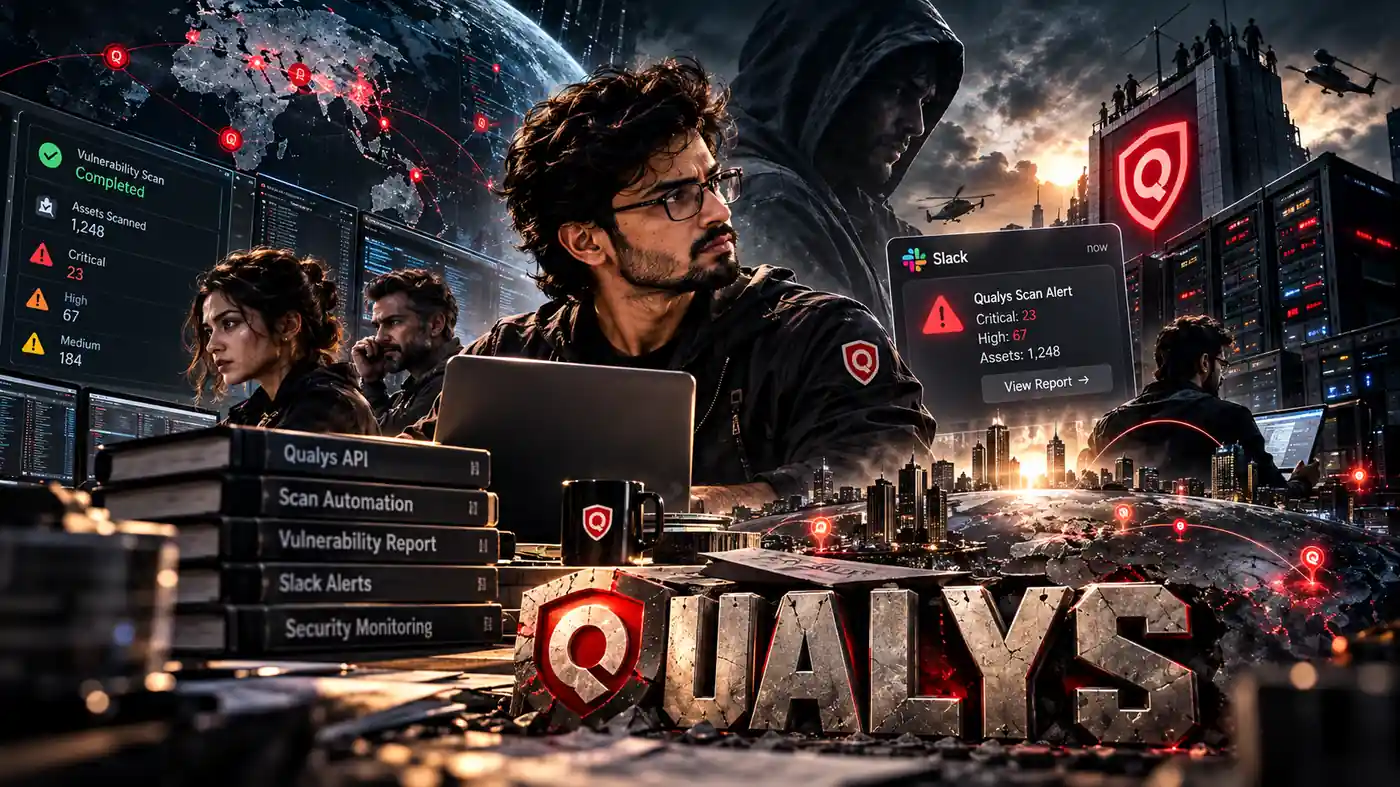
Qualys API scan automation keeps a recent vulnerability report ready before a buyer asks for it.
An enterprise security questionnaire often contains this line:
Please attach your latest vulnerability scan report.
Founders freeze because the last scan may be old, buried in Qualys or sitting on an engineer’s laptop. A scheduled workflow replaces that scramble with a repeatable scan, alert and evidence process.
Do you need Qualys API scan automation?
Indian B2B SaaS companies selling to banks, NBFCs, insurers, hospitals or foreign enterprises often face security reviews during sales.
Buyers want evidence that vulnerability scanning happens routinely rather than only when a questionnaire arrives. A report answers part of that request, while a remediation trail shows what the team did after receiving the findings.
This setup is useful for:
- Founders and CTOs selling software to regulated buyers.
- Agencies managing servers for enterprise clients.
- Engineering teams that have Qualys but still launch scans manually.
- Startups without a dedicated security employee.
- Sales teams repeatedly searching for recent scan evidence.
The workflow does not replace a penetration test, ISO 27001, SOC 2 or the work required to fix vulnerabilities. It gives the business a dated report and a record showing that the findings reached an owner.
How is the workflow designed and delivered?
My team builds the system inside the client’s Qualys, the workflow and Slack accounts. The client retains control of the credentials, execution history and reports.
The usual timeline is 7 to 10 days from agreement to a working scan workflow, and one week is the least I would plan for.
A larger environment with many targets or strict infrastructure rules takes longer, and the details come out in our calls and emails. I explain the design over the phone and on a Zoom call with screen sharing, so your engineer can follow along.
The refund policy explains the terms for paid work before credentials or infrastructure access are provided.
What happens during one automated scan?
Every run moves through a set of states. The workflow launches the scan, stores its reference and checks its progress until it finishes or fails.
Example schedule:
- Launched: A Schedule Trigger fires every Sunday at 2 am IST. An HTTP Request sends
action=launch, the targets and the option profile to Qualys. - Referenced: Qualys returns a reference such as
scan/1234567890.12345. - Queued or Running: The workflow waits and requests the current status using that reference.
- Finished, Error or Canceled: Finished continues. Error or Canceled triggers an alert. Active states return to the Wait node.
- Parsed: The completed XML response becomes JSON.
- Reported: Slack receives severity counts, affected hosts and a link to the complete report.
Seven nodes carry the scan:
| Order | Node | Job |
|---|---|---|
| 1 | Schedule Trigger | Starts the scan on the selected schedule |
| 2 | HTTP Request (launch) | Launches the scan and stores its reference |
| 3 | Wait | Pauses before the next status request |
| 4 | HTTP Request (status) | Retrieves the current scan state |
| 5 | XML | Converts the response into JSON |
| 6 | IF | Chooses whether to continue, wait or alert |
| 7 | Slack | Posts the result or failure message |
The Wait, status request and IF nodes form a loop. The reference, start time and loop count remain together inside one execution, giving an engineer a complete record when something fails.
Which targets and option profile should you choose?
Public production IP addresses can be scanned through Qualys cloud scanners. Private IP addresses inside a network require a Qualys scanner appliance placed within that network.
The option profile controls how deep the scan goes. I normally begin with a standard production profile and use heavier authenticated scans on a staging copy so customers do not experience a slowdown.
Before building, decide:
- Which public IP addresses or asset groups are included.
- Whether private targets need a scanner appliance.
- Which profile suits production.
- Where completed reports will be stored.
- Who will own severity 4 and 5 findings.
These choices affect scan duration, server load and the findings returned. A profile copied from another company may not suit your infrastructure.
If the servers run on AWS, Azure or Google Cloud, read the provider’s current security-testing policy first. Most providers allow vulnerability scanning of resources you own without prior approval, but each documents what is permitted.
If somebody still opens Qualys and clicks launch manually, describe the current process through the contact page. My team can identify which parts should remain manual and which can run on schedule.
Why does Qualys API authentication fail?
Qualys API authentication for the classic scan API uses HTTP basic auth with a user who has API access. Every request must also include the X-Requested-With header.
Qualys can reject the call when that header is missing, even if the username and password are correct.
The API URL depends on the regional platform holding the account. Qualys operates several platforms, including one in India, and each has its own API address.
Example:
curl -u "API_USER:API_PASSWORD" \
  -H "X-Requested-With: n8n" \
  -X POST \
  "https://YOUR_QUALYS_API_URL/api/2.0/fo/scan/" \
  -d "action=launch" \
  -d "scan_title=weekly-prod-scan" \
  -d "ip=YOUR_TARGET_IPS" \
  -d "option_title=YOUR_OPTION_PROFILE"
The username and password belong in a basic auth credential. The extra header is configured in the HTTP Request node.
My team creates a dedicated Qualys user with only the permissions needed by the workflow. Personal employee accounts are risky because they may be disabled when somebody leaves.
When the automation password changes, update the credential on the same day. Many stopped scans can be traced to a password rotation that never reached the workflow.
Do not place credentials inside a URL, request body or Code node. Keep them in the platform’s credential store, where they are encrypted at rest. The same rule applies to the Slack token.
Good Qualys API authentication is meant to be boring. It should work without depending on one employee remembering how the connection was set up.
Infrastructure details and reports need careful handling. The UpcomingTools privacy policy explains how information shared during implementation is treated.
How should scan status polling work?
A scan may take minutes or hours depending on the targets and checks in the option profile. The workflow cannot know the completion time in advance.
Scan status polling means waiting, requesting the current state and choosing the next route.
| State | Action |
|---|---|
| Queued, Loading, Running | Wait and check again |
| Paused | Wait longer and alert if the pause continues |
| Finished | Retrieve and parse the result |
| Error or Canceled | Stop and send an alert |
Bad polling sends requests too frequently. Qualys limits how many API calls an account can make and how many can run at the same time.
I choose the waiting period after observing how long scans for that target and profile normally take. A maximum loop count prevents a stuck scan from polling forever.
Qualys returns headers showing the calls remaining in the current window. The workflow can read them and increase the wait when the number becomes low.
A Wait node keeps one scan inside the same execution. The workflow saves a longer wait to its database and resumes it later, so the process does not remain open throughout the scan.
Patient scan status polling reports completion without treating the API like a doorbell.
Why convert XML to JSON?
The Qualys scan API returns XML. the platform’s XML node converts the response into JSON so later nodes can count, filter and format the findings.
Example:
{
  "scan_ref": "scan/1234567890.12345",
  "state": "Finished",
  "summary": { "sev5": 1, "sev4": 3, "sev3": 12 },
  "top_hosts": ["10.0.1.14", "10.0.1.22"]
}
The field names are illustrative. The exact structure depends on the endpoint and output format.
The XML to JSON conversion happens once. Every later node works with simpler fields.
Reading XML separately inside several steps would spread the parsing logic across the workflow. A field change could then require edits in several places.
Qualys assigns findings a severity from 1 to 5, with 5 being the most serious. Each finding includes a QID linked to details in the Qualys KnowledgeBase.
I retain the QID so engineers can identify the finding and compare it across weekly reports.
The same XML to JSON step also makes message formatting easier because Slack needs a short summary rather than a raw API response.
You can read about UpcomingTools and the small team behind these builds before deciding who should work with your scanning systems.
What makes Slack security alerts readable?
A Slack message containing two hundred findings will soon be ignored.
Useful Slack security alerts explain what changed and point to the full report. They do not paste every finding into a busy channel.
A useful message should:
- Lead with the number of severity 4 and 5 findings.
- Identify new findings.
- Mention findings fixed since the previous report.
- Include affected hosts.
- Link to the complete report.
- Use a quiet security channel for routine summaries.
- Tag people only for severity 5 findings.
- Confirm when no new critical findings appear.
Example:
Weekly prod scan finished (Sun 03:40 IST). Severity 5: 0. Severity 4: 2, both new, on api-server-2. Severity 3: 11 (3 fixed since last week). Full report: [link]. Owner this week: @rahul
The Slack app needs chat:write and must be invited to the selected channel. Attaching the report file also requires files:write.
Every serious finding needs an owner. Without a named engineer or weekly rotation, the message becomes another alert everybody reads and nobody handles.
These Slack security alerts also show that the report reached the team. That record becomes useful later during a buyer’s security review.
If you want to map the workflow against your Qualys account, email upcomingtool@gmail.com with the platform region and a short description of the targets. Do not send passwords, API keys or complete reports.
What normally breaks?
Failures commonly appear in the launch request, status loop, parser or Slack connection.
| Failure | Result | Check |
|---|---|---|
| Password changes or account locks | No scan reference is returned | Check the user and credential |
X-Requested-With is missing | Launch request is rejected | Add the required header |
IF checks only for Finished | Error or Canceled states keep looping | Handle each state separately |
| Polling happens too frequently | API requests begin failing | Increase the wait and inspect rate-limit headers |
| Slack lacks permission | Scan finishes without a message | Add chat:write and invite the app |
| No owner is named | Serious findings receive no action | Add an engineer or weekly rotation |
A missing header or expired password usually points back to Qualys API authentication. A loop that never ends usually points to incomplete state handling.
Test failures before activating the schedule. A workflow that appears active while producing no reports creates false confidence.
Can you build Qualys API scan automation yourself?
A founder or engineer comfortable with credentials, HTTP requests and the workflow loops can build the workflow directly.
The scan workflow here is one example. The platform it runs on is your call: my team can build it on the automation tool your company already uses, or on a custom setup.
- Confirm the regional Qualys platform.
- Create a dedicated automation user.
- Choose the targets or asset group.
- Select the option profile.
- Add a basic auth credential in the workflow platform.
- Configure
X-Requested-With. - Add the Schedule Trigger.
- Launch the scan and save its reference.
- Add a Wait node based on observed scan duration.
- Configure scan status polling with the saved reference.
- Run the XML to JSON conversion.
- Add routes for active, Finished, Error and Canceled states.
- Return active states to the Wait node.
- Set the maximum loop count.
- Count findings and retain QIDs.
- Format the Slack message.
- Test the required Slack permissions.
- Run one scan manually.
- Activate the schedule only after successful and failed routes are visible.
Inspect the launch response, reference, status, parsed fields and Slack output. Testing matters as much as assembling the nodes.
How does this help with an enterprise security questionnaire?
An enterprise security questionnaire may ask about frequency, remediation and responsibility rather than only whether scans happen.
| Buyer’s question | Evidence |
|---|---|
| How often are scans run? | Weekly schedule and dated reports |
| Can you provide the latest report? | Most recent Qualys report |
| How are findings tracked? | Slack trail and remediation tracker |
| What is the target time for serious findings? | Written policy and closure dates |
A vulnerability scan is not a penetration test. It does not make a company ISO 27001 or SOC 2 compliant.
Create a one-page remediation policy covering severity 5, 4 and 3 findings. The Slack trail demonstrates that the report reached the team, while the tracker shows ownership and closure dates.
This evidence helps answer an enterprise security questionnaire without claiming controls the company does not have.
What does vulnerability scanning for startups require?
Vulnerability scanning for startups should not depend on somebody remembering to click a button.
Most Indian SaaS startups with ten or twenty employees do not have a dedicated security person. The existing engineering team needs a repeatable schedule, useful alerts and an evidence trail.
My team normally configures:
- A dedicated Qualys user.
- Targets and option profile.
- The seven-node workflow.
- Loop limits and rate-limit handling.
- Slack security alerts.
- A remediation tracker.
- A handover explaining how to change targets and schedules.
The first month may expose an older backlog. Start with severity 5 and 4 findings, then fix, accept or document lower-risk findings as appropriate.
Once that backlog is handled, vulnerability scanning for startups becomes easier to manage. Engineers can focus on new serious findings rather than remembering to launch another scan.
The same launch, poll, parse and alert pattern can work with another scanner that offers an API.
What belongs in the evidence folder?
A working process should not leave reports scattered across Qualys, Slack and an engineer’s laptop.
Save each completed report in a shared folder with a date-based file name.
Example:
2026-09-27-prod-scan.pdf
The folder can also hold the remediation policy, tracker and a note identifying the production targets covered.
Slack shows that engineers received the findings. The tracker records the owner and closure date.
That is the practical payoff of Qualys API scan automation: the business builds evidence during normal engineering work rather than assembling it during a customer review.
Put these three records in the folder
- The latest dated Qualys vulnerability scan report.
- A one-page remediation policy covering severity 5, 4 and 3 findings.
- A tracker showing owners and closure dates for severity 4 and 5 findings.
Frequently asked questions
How often should a small SaaS team run an automated Qualys scan?
Run one on a fixed schedule, such as weekly, and again after any major release. The goal is a dated report that is never more than a few days old when a buyer asks for evidence.
Can the workflow scan a staging environment instead of production?
Yes. Point the scan at the staging targets and their option profile, then keep those reports in a separate evidence folder so they are not mistaken for production results. Scan only systems you are authorised to test.
Will an automated scan satisfy a bank vendor security review on its own?
Usually not on its own. The report shows that scanning happens routinely, but reviewers may still ask for a penetration test or a certification, so treat it as one part of your security paperwork.
What should the workflow do if a scan runs much longer than expected?
Set a maximum waiting time. If the scan is still running after that limit, the workflow should send a short alert saying so, instead of waiting forever or posting an empty report.
Who should be in the Slack channel that receives the scan alerts?
Keep it to the people who fix issues, such as the engineer on call and the founder. Raw IP addresses and severity counts are sensitive, so avoid a company-wide channel.
Can a founder with no technical background understand the Slack message?
Yes, if it is written for them. The alert should show counts by severity in plain words and a link to the full report, so the founder sees the picture without reading scanner output.
How long should old scan reports be kept?
Keep dated copies for as long as your customer contracts and internal policy require, and write that period down. A folder of regular reports shows a buyer a routine rather than a one-off scan.
