

About Us
The argument in favor of using filler text goes something like this: If you use real content in the Consulting Process, anytime you reach a review point you’ll end up reviewing and negotiating the content itself and not the design.
How I Build Suspicious Login Alert Automation for Indian SaaS Founders Without a Security Team
How I Build Suspicious Login Alert Automation for Indian SaaS Founders Without a Security Team
How I Build Suspicious Login Alert Automation for Indian SaaS Founders Without a Security Team
Example:
A reused password from an old breach was accepted by a small SaaS product on Sunday morning. The login came from a data-centre IP in another country and used a browser the customer had never used, but nobody received an alert. The attacker exported data, changed the account email and locked out the customer. This imaginary account takeover shows why suspicious login alert automation needs to examine the context around a successful login rather than treating every correct password as good news.
Summary: suspicious login alert automation was missing
The application correctly checked the submitted password. It did not ask whether the login looked normal for that customer.
No security team was watching the logs. The support team learned about the incident only after the customer reported losing access.
The missing control was a workflow that could compare each successful login with four signals:
- Reputation of the IP address.
- Approximate location and recent travel pattern.
- Browser, operating system and device.
- Earlier login behaviour for the same user.
The workflow described in this post-mortem would not replace Supabase, Auth0 or the application’s own authentication system. It would receive the successful-login event and investigate whether the context looked risky.
Its purpose is not to block every unfamiliar login. Customers travel, buy new devices, change browsers and use VPNs. The workflow gathers the signals, scores them together and sends one alert containing the reasons.
Timeline: the compromise remained invisible
| Time | What happened | Who noticed |
|---|---|---|
| Sunday, 2:10 am | A customer’s password, reused from an old breached site, was tried against the login page | Nobody |
| 2:11 am | The login succeeded from a data-centre IP in another country, using a browser the customer had never used | Nobody |
| 2:15 am | The attacker exported the customer’s data and changed the account email | Nobody |
| Monday, 11:40 am | The customer emailed support: “I can’t log in and someone changed my email” | The support person |
| Monday afternoon | The founder read server logs and tried to understand what happened | Everyone, too late |
Nothing in this timeline required a technically advanced attack.
The password was valid. The application accepted it and granted access.
The warning signs existed around the password:
- New country.
- New device.
- Data-centre IP.
- No matching behaviour in earlier login records.
Those details were available at the time of login, but no workflow combined them.
What went wrong: account takeover looked like a normal login
The authentication system answered one question: did the password match?
It did not answer the second question: does this successful login resemble the customer’s normal behaviour?
A customer and an attacker can submit the same valid password. From the login form’s point of view, both attempts may look successful.
The attack continued because no control noticed the change in country, browser and network reputation. The customer’s earlier login pattern was not available to the alerting system, and no risk score was calculated.
Several design gaps contributed:
- The successful-login event was not sent to a monitoring workflow.
- IP reputation was not checked.
- Approximate location was not compared with earlier logins.
- The device and browser were not parsed.
- Historical login records were not queried.
- No alert path existed for a risky combination.
- No named person owned the response.
The incident also exposed an operational gap. Support became the first detection system, but support heard about the problem only after the customer lost access.
The compromise was discovered through pain rather than monitoring.
What would have caught it: four combined signals
No single signal proves that a login is malicious.
A customer may travel. A new laptop is normal. A VPN can make somebody appear in another country, and a residential IP may have no useful reputation data.
The safer design combines several weak and strong signals, then explains the result to the team.
Signal 1: the GreyNoise API checks IP reputation
GreyNoise observes IP addresses that scan and probe systems across the internet.
The GreyNoise API accepts an IP address and reports whether it has been seen as noise, meaning that it scans the internet widely. It also reports whether the IP belongs to a known benign service in the RIOT dataset and returns a classification such as malicious, benign or unknown.
The possible results need context:
- Malicious is a strong warning.
- A known cloud or business service may belong to an integration.
- Unknown is normal for many home and mobile connections.
- Benign does not remove the need to inspect other signals.
The workflow checks both noise and riot. It uses those fields with the classification rather than treating every unknown IP as a threat.
The GreyNoise API contributes one part of the score. It does not decide the entire risk level.
Signal 2: IP geolocation reveals impossible travel
The IP-API service converts an IP address into an approximate city, region and country.
A city by itself says little. The value appears when the current location is compared with a recent login.
Example:
| Login | Time (IST) | Location from IP | Gap from previous |
|---|---|---|---|
| Previous | 9:05 pm | Hyderabad, India | None |
| Current | 9:40 pm | Frankfurt, Germany | 35 minutes |
The customer cannot physically travel from Hyderabad to Frankfurt in 35 minutes. The person may be using a VPN, or somebody else may have the password.
That comparison is called impossible travel.
Impossible travel should not automatically block the customer because location data is approximate and VPNs are common. It should add significant weight when another signal also looks wrong.
IP-API’s free endpoint is intended for non-commercial use. A commercial SaaS product needs the paid option or another provider that permits business use.
Signal 3: user agent parsing identifies the device
Every browser sends a user agent string. It describes the browser, operating system and device, but the raw text is difficult to read.
The UserParser service converts it into usable fields.
Raw user agent (shortened):
Mozilla/5.0 (Windows NT 10.0; Win64; x64) ... Chrome/... Safari/...

After user agent parsing:
{
  "browser": "Chrome",
  "os": "Windows",
  "device_type": "desktop"
}
After user agent parsing, the workflow can compare the current device with earlier ones.
Example:
A customer normally uses an Android phone and a Mac. The current login comes from Chrome on a Windows desktop.
A new device is not proof of an attack. People buy laptops, use office computers and replace phones.
Its value comes from combination. A new Windows device, a malicious IP and a new country together deserve more attention than the device change alone.
Signal 4: login history in Postgres provides context
The first three checks describe the current event. The fourth compares it with the user’s past.
The workflow stores every login in a Postgres table. For each new event, it retrieves the user’s recent history before saving the current record. The template fetches the last ten logins.
A minimal table contains:
| Column | Holds |
|---|---|
user_id | Application user ID |
logged_in_at | Login timestamp |
ip | IP address |
city, country | Values returned by the location service |
browser, os, device_type | Parsed device fields |
greynoise_class | Malicious, benign or unknown |
risk | Low, medium or high |
Login history in Postgres turns a location or device into a pattern.
Without history, Frankfurt is only a city. With an earlier Hyderabad login, it becomes part of a possible travel warning.
Without history, every browser and country appears new. That can make the system alert constantly or become so cautious that it alerts on nothing.
The fix: suspicious login alert automation in n8n
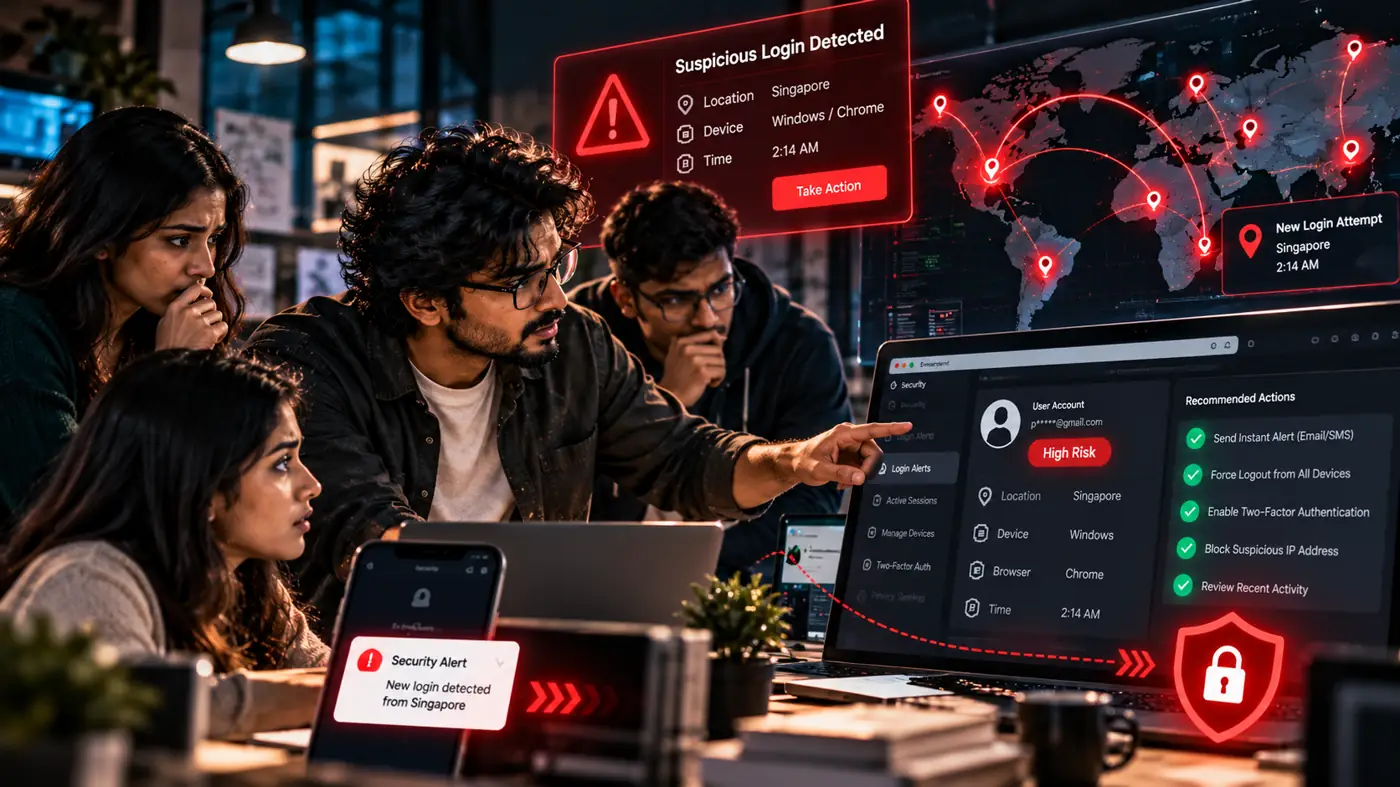
The fix is a relay in which every node adds context to the login event.
| Node | Receives | Adds | Passes to |
|---|---|---|---|
| Webhook | User ID, IP, user agent and time | Receives the successful-login event | GreyNoise check |
| HTTP Request: GreyNoise | IP address | Noise, RIOT and classification | IP-API |
| HTTP Request: IP-API | IP address | City, region and country | UserParser |
| HTTP Request: UserParser | User agent | Browser, operating system and device | Postgres |
| Postgres: read and write history | User ID and collected signals | Recent logins and saved current event | Code: risk score |
| Code: risk score | Current signals and history | Risk level and reasons | Switch |
| Switch, Slack and Email | Score and reasons | Sends alerts or stores the event | End |
The Webhook receives the event after a successful login. It does not decide if the password was correct.
The GreyNoise check enriches the IP. The location request adds the approximate city, region and country. UserParser makes the browser and device readable.
Postgres retrieves the recent history and stores the current event. The Code node combines everything into one result.
The Switch sends high risk to a private Slack channel and email. Medium risk can enter a daily digest, while low risk is stored without interrupting the team.
The public template runs some lookups in parallel and merges the results. For a small product, I normally use one line because a single path is easier for a two-person team to inspect and debug.
A high-traffic product may use parallel branches to reduce the time needed for the complete check.
Every connection has a visible consequence:
- Without the Webhook, no successful login is inspected.
- Without GreyNoise, a malicious IP looks ordinary.
- Without the location service, there is no travel comparison.
- Without UserParser, the workflow cannot recognise a new device.
- Without Postgres, every login looks like the first one.
- Without Switch or alert nodes, the risk is calculated and nobody hears about it.
The Webhook failure is the most dangerous. The application continues accepting logins while the monitoring workflow receives nothing.
The risk is scored once
Sending an alert from every lookup creates noise.
GreyNoise reports malicious, so Slack gets one message. The country changes, so another message appears. The browser is new, so the team gets a third.
I gather every signal and score them once. The team receives one alert containing the complete reasoning.
The scoring Code node is:
// n8n Code node: combine signals into one risk level
const s = $json;
let points = 0;
const reasons = [];

if (s.greynoise_class === 'malicious') { points += 3; reasons.push('IP flagged by GreyNoise'); }
if (s.new_country)                     { points += 2; reasons.push('New country'); }
if (s.impossible_travel)               { points += 3; reasons.push('Impossible travel'); }
if (s.new_device)                      { points += 1; reasons.push('New device or browser'); }

const risk = points >= 4 ? 'high' : points >= 2 ? 'medium' : 'low';
return [{ json: { ...s, risk, reasons } }];
These weights are an illustrative starting point rather than a universal standard.
My team tunes them after a week of observing real logins. A fintech application, student portal and internal admin dashboard should not treat a new device in the same way.
If you want me to review where the successful-login event can connect to this workflow, email upcomingtool@gmail.com with the authentication system you use. Do not include credentials, IP logs or customer account data.
Indian mobile networks create predictable false alarms
Indian users often connect in ways that make a simple city-change rule unreliable. Mobile networks can route many customers through shared carrier infrastructure, and the city reported by an IP geolocation service may not match the user’s physical location. A person can move from office Wi-Fi to mobile data and appear under a completely different IP within minutes. VPNs can make an Indian customer appear abroad even though the person has not moved.
Example:
A customer in Vijayawada may appear in Hyderabad or Mumbai. After switching networks, the same person may appear somewhere else.
A lazy rule marks every city change as risky. The security channel then fills with normal mobile behaviour, and the team begins ignoring alerts.
For mobile connections, I compare countries more heavily than cities. A new city does not trigger an alert by itself.
Country changes within a short window carry more weight, especially when the device is new or GreyNoise flags the IP. Even then, the result should explain the signals rather than silently block the user.
The workflow also needs to tolerate lookup failure. If GreyNoise or the location provider is unavailable, the login is still saved and scored with the available information.
The reasons can include GreyNoise unavailable. An external API failure should not prevent a legitimate customer from logging in.
Careful IP geolocation reduces noise, but it cannot reveal a person’s exact physical location. Treat it as an approximate signal rather than proof.
Data retention remains part of the incident response
Login records contain IP addresses and device information, which are personal data.
India’s Digital Personal Data Protection Act, 2023 expects a business to collect personal data for a clear purpose, protect it and avoid keeping it forever without reason. Security monitoring can be that purpose, but the product’s privacy notice should explain the monitoring.
CERT-In’s directions of April 2022 require many service providers to maintain ICT system logs for a rolling period and report certain cyber incidents quickly. Ask a lawyer how those directions apply to the product and company.
The workflow supports a retention setting on the login table and an export of high-risk events when reporting is required.
The company’s privacy notice covers its customers. The UpcomingTools privacy policy separately explains how any samples or system details shared with my team during implementation are handled.
Action items turn the post-mortem into work
Use this checklist to connect the workflow to the application:
- Identify the successful-login event in Supabase, Auth0 or the custom backend.
- Send the user ID, IP address, user agent and time to the n8n Webhook.
- Read the real client IP from the forwarded-for header supplied by the host.
- Add a shared-secret header so only the backend can send events.
- Create the Postgres table and index
user_idandlogged_in_at. - Add credentials for the GreyNoise API, UserParser and the location provider.
- Connect the reputation check, IP geolocation, user agent parsing and login history in Postgres.
- Add the scoring Code node and the Switch.
- Send high risk to a private Slack channel and email.
- Send medium risk to a daily digest.
- Store low-risk events without interrupting the team.
- Run watch-only mode for a week.
- Tune the weights against real user behaviour.
- Decide what happens after a high alert.
Possible high-risk responses include forcing a logout, sending a password-reset email or asking the customer whether the login was theirs.
The workflow should not invent the response. The product and security team decide what is appropriate.
Product type also changes the tuning:
| Product | Adjustment |
|---|---|
| Fintech or payments | Use tighter scoring and a step-up check before money moves |
| Edtech | Give little weight to a new device because students may share phones or use hostel Wi-Fi |
| Internal admin dashboard | Treat malicious IPs and new countries strictly |
| B2B SaaS | Compare patterns across the customer’s company locations |
My team builds the workflow, table, lookups, scoring and alert routes inside the client’s accounts. Reducing account takeover risk begins with understanding the existing authentication flow rather than importing nodes blindly.
The workflow above is only a demonstration of the idea. My team can deliver the same alert system on whatever automation platform suits you, or as a custom build.
A login-monitoring workflow like this normally takes 7 to 10 days, and I would not plan for less than a week.
A larger set-up, for example more login sources or stricter rules, depends on your needs, and we settle that through calls and emails. I walk through the design on a phone call and on Zoom with my screen shared.
The handover includes a one-page guide explaining each signal, the alert reasons and the response expected from the team. The about page explains who is behind UpcomingTools, while the refund policy covers paid implementation terms.
Lessons close the gap between login and detection
The account takeover succeeded because a valid password was treated as the complete story. Suspicious login alert automation adds the missing context without promising that every compromise can be prevented.
If a stolen password worked tonight, would your team learn from an alert or from the customer, and should that answer lead you to the contact page?
Frequently asked questions
Does this workflow block a login or only send an alert?
It only sends an alert. Your application or login provider still decides who gets in, and the workflow gathers the signals, scores them together and tells a person. Blocking is a separate decision you make later.
Why do mobile networks in India cause false alarms?
Mobile data users often appear to log in from a different city or from a carrier hub, so location alone can look suspicious. That is why the score combines several signals instead of reacting to one odd location.
Can a small team with no security staff run this?
Yes. The alert goes to Slack and email, so the only real requirement is that one named person owns the response. Decide who that is before the first alert arrives.
What should the person who gets the alert do first?
Read the signals listed in the alert, then contact the customer through a channel you already trust, not by replying to the login email. If the customer did not log in, reset the password and end active sessions.
Does it work if my app does not use Supabase or Auth0?
Yes, as long as your system can send a successful-login event to the workflow, usually through a webhook. The signals and the score work the same way whichever login system sits in front.
How many alerts should I expect in a day?
It depends on your user base and on how strict the score threshold is. Start with a higher threshold, watch a week of real logins, then lower it until the alerts are few enough that people still read them.
How long should login history and IP data be kept?
Keep it only as long as you need it for security checks and incident response, and write the period in your privacy policy. If you are unsure what your contracts or the law require, ask a qualified adviser.
Do the IP reputation lookups have usage limits?
Reputation services usually limit how many lookups you can make on a plan, so check the current limits before launch. Saving the result for each IP for a short time avoids repeated calls for the same address.
